
July 2026 Changelog
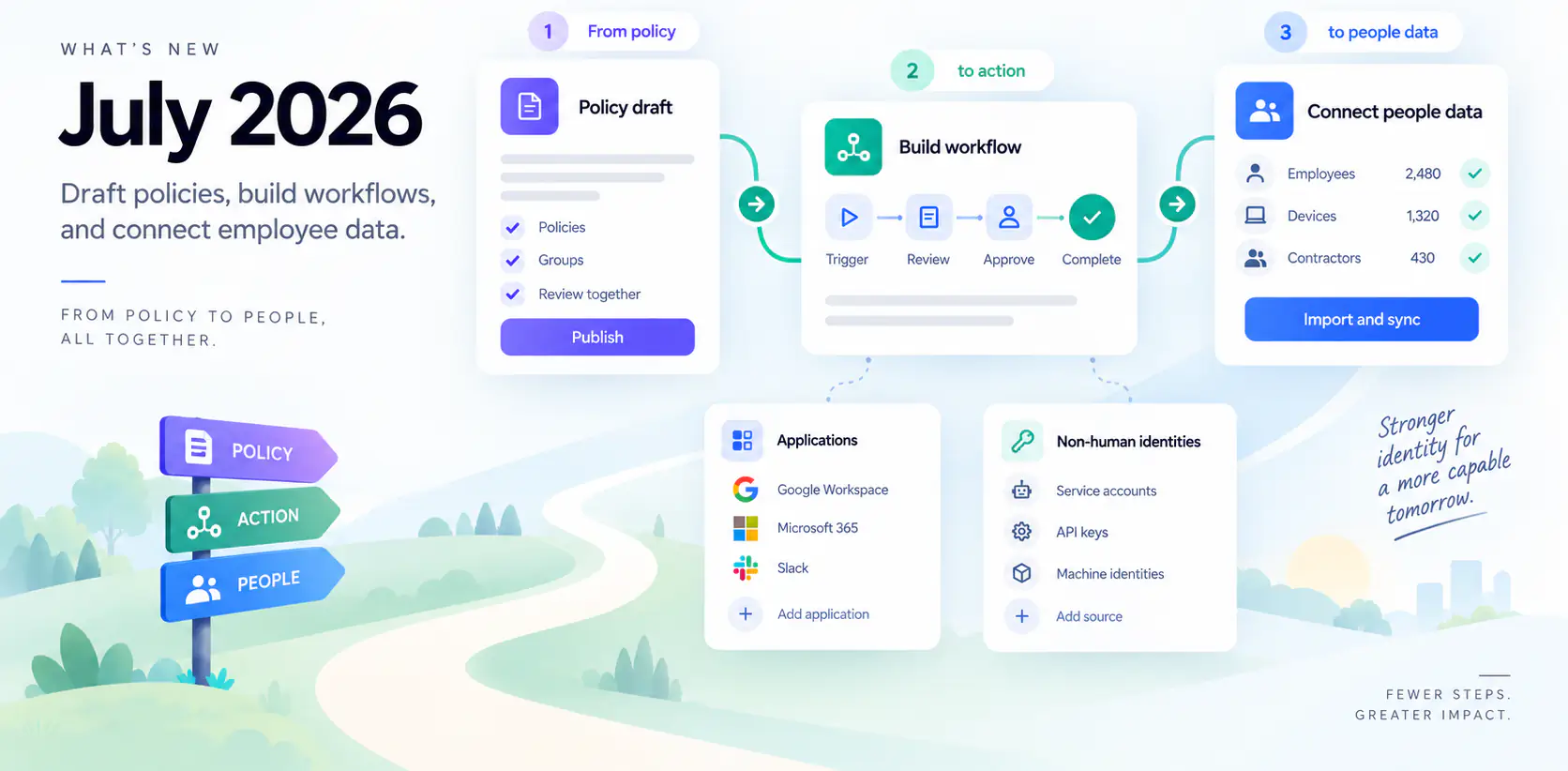
July 2026: Draft access policies, build workflows, and connect employee data
July adds shared policy drafts, workflow authoring with Rae, and employee and device integrations. It also retires legacy audits and Policies alerting.
Review policies and groups together
Organization administrators can use Working Drafts to create related role-based access policies and groups, review their combined impact, and publish them together. Create a Dynamic or Static group from a policy and finish it in the same draft.
At publication:
- New policies stay disabled unless you select Activate all new policies.
- Provision these changes now is a separate option, off by default.
Manual editing and review are available below Business. Business-plan Rae can draft policies from a connected Okta directory or supplied export, flagging incomplete rules for review.
Build workflow templates with Rae
With the new editor enabled, describe an onboarding, offboarding, or scheduled process to Rae, then review and edit the proposed template. Changes can be undone and stay in draft until saved. Special organization configuration templates keep their classic editor.
You can also:
- Run a Scheduled template once from Run workflow, without changing its recurring schedule.
- Keep dates consistent. Date-based onboarding and offboarding honor the workflow's timezone. People start and end values use calendar dates across forms, workflows, and APIs, avoiding timezone-driven day shifts.
- Find removal work by searching Workflows or Tasks for the account being removed.
- Personalize email subjects in custom and welcome emails using the same variables as the message body.
Add people and manage access requests
Paste a list is back. Application administrators can add people in batches of up to 500 email addresses or full names, reviewing unmatched or ambiguous entries before selecting matches.
Where the integration supports group provisioning, Manage groups adds or removes imported-group memberships across selected accounts and reports partial failures. Authorized reviewers can correct supported tasks on pending access requests. Repeat removal attempts identify work already underway, linking to a workflow when the match is unambiguous.
Template administrators can configure Comment Notifications for requester discussions, including owners, assignees, and previously mentioned people. These extra audiences default off; direct @mentions still notify directly.
With credential requests enabled for classic applications, Requests distinguishes approval from owner fulfillment. Ready — View in Vault remains visible for seven days after fulfillment.
Run application actions and track imports
With the new application experience enabled, application administrators can:
- Connect Microsoft 365/Entra and Okta for supported imports and account, group, and access actions. Provider permissions apply. Okta requires an API token; Microsoft audit data also requires appropriate licensing.
- Schedule imports hourly or at daily times in your chosen timezone, review recent runs, and retry failures from Integration Logs.
- Run supported actions from a resource or Manage, or reuse them in workflows. Start group, role, and application assignments from either side of the relationship.
- Track pending changes in Resources while imports catch up, with expandable details and consistent account counts.
- Manage eligible applications without a connector by recording account access and reconciling uploaded exports.
- Create custom HTTP, SCIM, or code-backed actions with saved authentication. Catalog definitions remain read-only.
Google Workspace, Microsoft 365, and Okta connections use default profile mappings when none are saved. Directory pages show Logs once run history exists, comparing the last 24 hours with the previous 24.
Assign owners to service accounts and credentials
Business-plan organization administrators can review imported service accounts, bots, tokens, and credentials in Non-Human Identities. Filter by application, type, or ownership; assign individual or group owners in bulk; record purpose; and retain review history.
Configured offboarding workflows can create manual ownership-review tasks, including when a departing person is the last member of an owning group. Technical owners decide reassignment. Credentials are not automatically transferred, rotated, or deleted, and inventory changes require a connector re-import.
The Accounts bulk menu no longer offers Mark as non-human for unmapped human accounts.
Revisit Rae conversations and explore access
Organization administrators with Rae web chat in their plan can search, pin, rename, archive, and revisit conversations on the dedicated Rae page. Slack, Access Graph, and workflow-editor conversations remain separate.
Large Access Graph views use searchable, drillable buckets and show where coverage is partial. Rae's access and OAuth investigations start with application summaries and coverage, with details to explore and clearer retry messages.
With AI Chat sandbox execution enabled, organization administrators can analyze staged files or authorized query exports in chats with write access, then download results from the isolated workspace.
Import employee and device data
New integration options include:
- HiBob (Bob): employee lifecycle, manager, and upcoming-starter imports. Requires a service user with Basic, Work, and Lifecycle read permissions.
- Workday HCM: worker identity and contact imports. Requires integration-user/API setup and tenant-specific configuration for additional job and manager fields.
- Rippling: Business-plan employee imports, including upcoming hires. Requires an API token with the relevant read permissions.
- Addigy: console-user and Apple-device imports, with guarded lock/erase actions. Requires API permissions; console-user management requires the Addigy owner role.
- Jamf Pro: console administrator accounts, device holders, and guarded lock/wipe actions. Requires the relevant privileges; wiping requires explicit confirmation.
The Import Employees wizard supports sample inspection and validated field mappings. Existing HRIS plan requirements apply.
Use an application as a People source
With application People sources enabled, map an eligible application's fields, preview Create, Update, or Skip decisions, then activate or rerun the source from People settings.
An empty create rule creates nobody, but existing People can still be linked and updated. The first successful import suppresses onboarding events and administrator emails for the initial roster. Pausing a source keeps its available roster visible and stops People creation and offboarding. Separately enabled application onboarding supports Google Workspace and Microsoft 365.
Review Google and Microsoft data
With the relevant imports and scopes, Google Workspace application sources support administrator Risk Assessment and sender-domain setup. Sender-domain proof requires directory or provider verification, beyond a person's email.
Google Workspace and Microsoft 365 also import license holders. Google's coverage is limited to observed assignments from supported products. Google activity appears in existing last-seen views when the activity feature, imports, and Reports API access are enabled.
Review audit reminders and recover failed schedules
Campaign managers can preview Nudge recipients and their outstanding work before sending. Last Imported and Fresh/Stale indicators stay tied to the captured snapshot until it is recaptured. Remediation launch preselects the chosen remediator, and compressed PDFs reduce report transfer size.
Scheduled audit templates with permanent configuration failures show Failed. Correct the configuration, then use Reactivate; transient failures still retry.
The Auditor role no longer grants unrelated application-management access. Account changes and user pushes remain administrator or technical-owner actions.
Retired features
Legacy audits: eligible completed history moved into closed Audit Campaigns. In-progress audits, drafts, rejected tasks, and completed audits in the oldest legacy format were excluded. Legacy screens, creation paths, remaining records, and history-dependent exports were removed. Unfinished work requires a fresh campaign.
Legacy Policies alerting: evaluation and alerts stopped, and policy records, event history, and handler settings were permanently removed. This is separate from the role-based access policy workspace.
Passkeys pages: the obsolete Passkeys and My Passkeys web pages were removed. The person-detail Passkeys tab and identity-provider sign-in paths remain.
Other improvements
- Navigation: search the expanded side menu for pages and tabs available to you.
- Deleted applications: no longer generate new offboarding work or reappear through imports.
- Import conflicts: directory and HRIS imports continue past supported email conflicts and report partial results for follow-up. HRIS updates are saved together to avoid partially created people after a failure.
- Paylocity: newly fetched records exclude unnecessary sensitive demographic and payroll fields. Older data refreshes on later syncs.
- Shadow Apps: includes imported Google Workspace and Microsoft 365 OAuth grants. Grants available only through Access Graph do not gain legacy promotion or revocation actions.
- Access-request API: API-key clients can list requestable applications and submit requests. Requesting for someone else requires an administrator in the same organization. Clients should handle rate-limit responses and honor retry instructions.