
Fast self-service access without approval guesswork
Let employees request access quickly while approvers see exactly what is being granted and why.
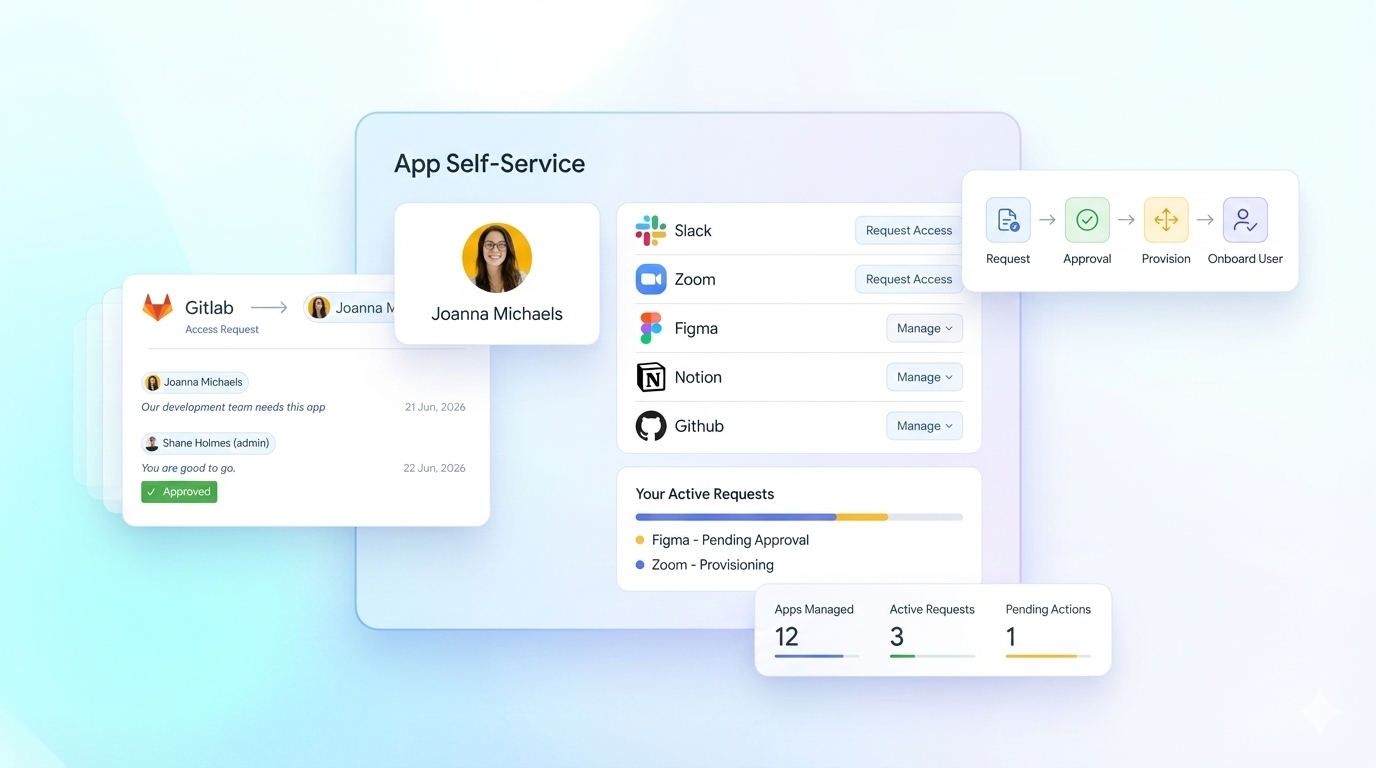
Speed should not come at the cost of control
Self-service access is meant to reduce friction for employees and free up IT. In reality, it often just moves risk upstream to managers who are asked to approve access they do not fully understand. Most approval flows show a role name, group label, or app title. They do not show what that access enables inside the application, how risky it is, or whether it should even be allowed. YeshID changes that.
Get a DemoRequests grounded in real access impact
When an access request is submitted, YeshID shows approvers what that access actually grants inside the application. This includes roles, permissions, scopes, and meaningful context about what actions or data become available. Approvals are based on impact, not assumptions.
Policy-gated requests from the start
Users can only request access that policy allows. If a role, attribute, or employment type should never permit access to an application or permission set, the request cannot be made. This prevents risky approvals before they ever reach a human.
Application-specific approval flows
Not every application carries the same risk. YeshID lets you define approval requirements per app, role, or permission level. Sensitive access can require additional reviewers or security sign-off, while low-risk access stays fast.
Temporary access built into self-service
Many requests are for short-term needs. YeshID treats temporary access as a first-class request with required duration, automatic expiration, and clear visibility so “just for now” does not become permanent access.
Works even when apps cannot be automated
For applications that support provisioning, YeshID enforces access changes directly. For systems that do not, YeshID still governs the request, tracks approval, and flags gaps so manual steps do not disappear from view.
Clear audit trails without ticket archaeology
Every request, approval, change, and expiration is logged and explainable. You can see who requested access, who approved it, what policy applied, and when access was removed without reconstructing events from tickets, chat logs, or spreadsheets.
“No solution really sat between manually managing all of my SaaS and Okta until YeshID came along. Not sure how I could manage my org without it”

