
August 2026 Changelog
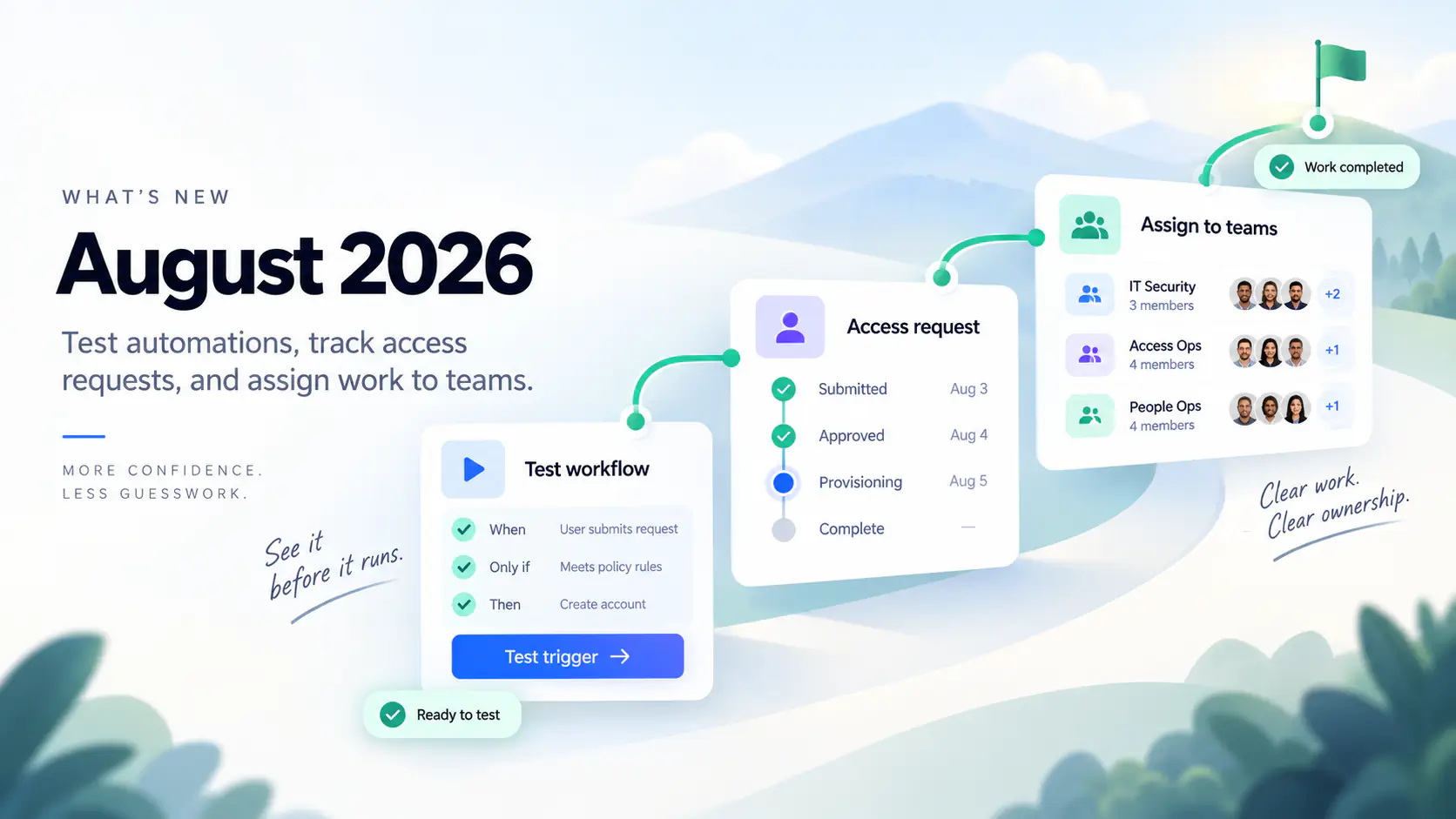
August 2026: Test automations and track access requests
Preview automations, follow access requests, and assign audit work to teams. August also adds employee-import options and clearer integration activity.
Test workflows before they run
The new workflow builder is now standard for all organizations, with When, Only if, and Then controls. Test trigger evaluates unsaved changes without running tasks. Rae-assisted workflow editing, including trigger conditions and schedules, is available to administrators on every plan. Special system configuration templates keep their classic pages.
Before creating or editing a person, Automations for this person shows matching workflows and lets you skip individual templates for that save. The Person rehired trigger can start onboarding when an HRIS clears a deactivated person's end date.
Administrators can investigate matching and non-matching evaluations, scheduled attempts, and recorded conditions in Activity → Triggers. Trigger-created runs explain what started them and why they are waiting. Fired evaluations also appear in organization and person Events.
Trigger health helps prioritize follow-up. History retention is 30 days on Free, 90 on Pro or Growth, and 180 on Business.
See where access requests stand
Requested Apps now separates Active requests from searchable History, with outcomes, reasons, timing, and comments. For notification-enabled requests with multiple approval groups, inbox and supported chat updates show who approved and which groups remain.
Outcomes distinguish Rejected requests from approved requests that were Not completed. Approval does not mean access has been provisioned.
- Request for someone else. Administrators can submit dashboard requests using the recipient's available applications. A For label identifies them in the filer's Requested Apps list.
- Require a reason. Application administrators can require the built-in reason field across YeshID, Slack, Teams, Rae, and the API on every plan. Custom fields retain their plan requirements.
- Choose when requests start. In an application's Access Requests tab, administrators can edit settings in side panels with autosave status. User requests can follow the organization default, wait for a manual start, or start on submission. Automatic starts still follow the configured approval process; requests filed for someone else remain manual.
- Adjust time-based access. Web and Rae request forms require an explicit duration, with Unlimited only where allowed. Before granting access, an administrator, workflow owner, or pending approver can change the duration in the web workflow view, up to 52 weeks. Expiry and removal tasks use the granted window, beginning when access starts. Slack and Teams approvals do not offer duration editing.
- Prepare replies. Comments support basic formatting, adapted for email, Slack, and Teams notifications. Reviewers can preview replies or insert an organization-shared saved response into a draft, then edit and send it. Enter adds a line; Cmd/Ctrl+Enter sends.
Find work waiting for attention
Workflow queues add Awaiting approval, Last reply, and separate administrator filters for requester and workflow owner. Workflow, Task, and Approval lists refresh every 30 seconds, pausing during selections, dialogs, and inactive tabs. Authorized owners and administrators can correct supported tasks while a staged request awaits approval.
Search and filter supported access, credential, and workflow updates in Notifications, and mark them read or dismissed. A bell item opens the full notice and discussion context, with a separate action link.
Person-directed workflow notices preserve administrator-written copy and links in Notifications and selected email, Slack, or Teams channels. Staged notices are off by default; enable them per template with a selected delivery channel. Enabled person-directed staged notices appear in Notifications. Launch announcements remain chat-channel broadcasts.
Task and ownership handoffs produce grouped assignment notices. Notes entered with a new access request no longer generate a duplicate comment alert.
Request credentials in My Vault
With credential requests enabled, employees can request credentials from My Vault. A technical owner supplies the credential after application approvals; only the requester can reveal it. This feature is available for classic applications only.
Application owners and administrators can review holders and grant dates, include credentials in Access Audits, and initiate revocation without seeing secrets. The technical owner must disable the external key before confirming revocation in YeshID, which removes the stored credential.
Control which applications employees can find
Restrict employee requests to organization-managed applications in Settings → Customize → Access Requests. Requests for new applications are on by default; administrators can turn them off across web, Slack, and Teams. Administrators can still add applications.
Set visibility in bulk to Visible, Request Hidden, or Fully Hidden. Request Hidden removes an application from requests but keeps it visible after access is granted. Fully Hidden also removes it from My Apps. Application administrators can change only apps they administer; visibility changes do not revoke access.
Find technical, business, and named owners for visible applications with /app-owners in Slack or app-owners in Teams. Slack requires administrator setup.
Set up and troubleshoot integrations
With the new application editor enabled, Add Application shows what an integration imports or manages before connection. Other paths include SCIM, Rae-assisted setup, and manual tracking.
Integration Activity, available with the new editor, shows active-run phases and item counts. Application administrators see only apps they manage. Classic Push Updates also records progress and account-level failures here; bulk updates cannot be retried from history.
With supported Okta or Microsoft 365 capability integrations, link an application to its identity-provider application. Access via [IdP] compares imported assignments, including group-inherited access, with application accounts and routes supported grants or revocations through the IdP. This requires configured imports and permissions. Access Graph, Rae, audits, and supported chat/account workflows also use imported capability-application records alongside directory data.
Authorized script authors get inline diagnostics and reviewable, undoable Rae edits. Organizations in the limited script-forking rollout can compare read-script changes against current provider results before activation and retain version history.
Assign audit work to teams
Assign campaign and template owners, certifiers, and remediators to organization groups. Roles follow current group membership.
Certification, remediation, evidence, and activity views add paging, search, and sorting while retaining whole-campaign totals. Captured snapshots no longer appear failed because of a notification problem. Audit administrators, owners, and remediators can open linked remediation workflows again.
Update employee imports and offboarding
- ADP Workforce Now: Import employees with ADP API Central access and mutual-TLS certificate/key files. Existing connections need updated saved mappings for the corrected field defaults.
- Rippling: Business-plan administrators can now import readable department and team names, with additional read permissions, a token owner permitted to view company data, and updated mappings or reconnection.
- Okta: Map Organization into people fields and use it in access-policy conditions.
- Paylocity: Send managers to Google Workspace as email addresses. Existing installations need the manager mapping added and the competing custom-field mapping removed.
- Ramp: Sync managers is now off by default, including on existing connections. Enable it after the target manager has Ramp's Manager role. Profile and login-email updates remain independent.
- Google Workspace: Persistent organizational-unit move failures are reported, and stale mapped data no longer undoes successful moves.
- Microsoft: License-removal tasks honor the selected directory, include suspended identities, and explain when group membership needs separate attention.
Other improvements and compatibility changes
- People and Accounts: People remembers page and sort state, adds a Suspended filter, and exports all matches. Bulk actions are clearer; Run workflow remains one-person-only. Application Accounts adds full-result search, sorting, paging, and export.
- Session recovery: Existing inactivity-timeout policies warn before sign-out and let you sign back in to the same page and filters.
- Access reports: Without MFA and Unmapped identities count active directory identities only. Access Drift stops expecting new access for inactive or staged-onboarding people, while retaining excess-access findings for former employees.
- Workflow details: Emails support organization-defined user fields. Trigger-created onboarding tasks follow changed start dates. Enabled application-based defaults work without a primary directory, omit YeshID's welcome email, and do not migrate existing templates.
- Connection restrictions: Configured provisioning and capability requests reject local/private-network destinations, including redirects. Private-network use requires an operator-configured exception.
- API change: Users-list responses no longer include
groupCountorgroups. Use user-detail or membership endpoints for that data.